
 Australia
 New Zealand
 Greece


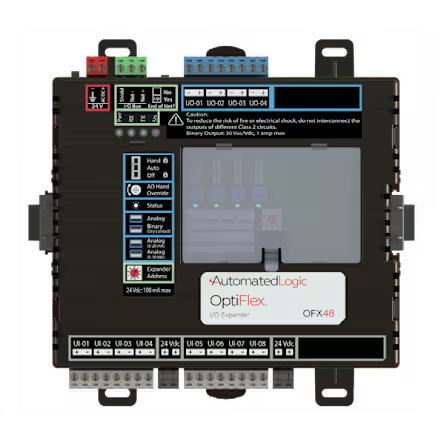
Compact I/O expansion for enhanced OptiFlex™ controller capability
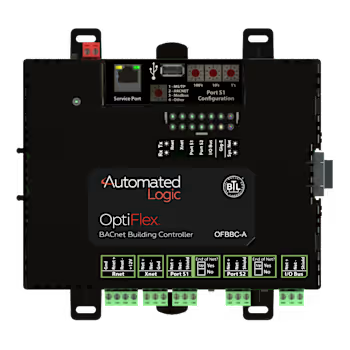
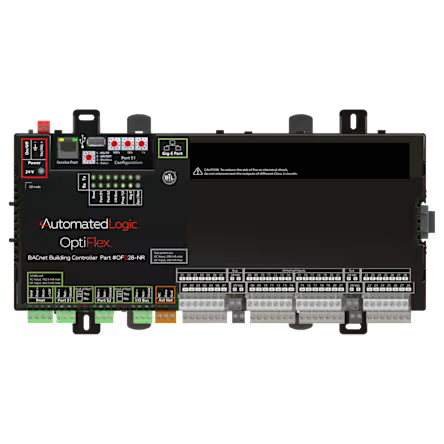
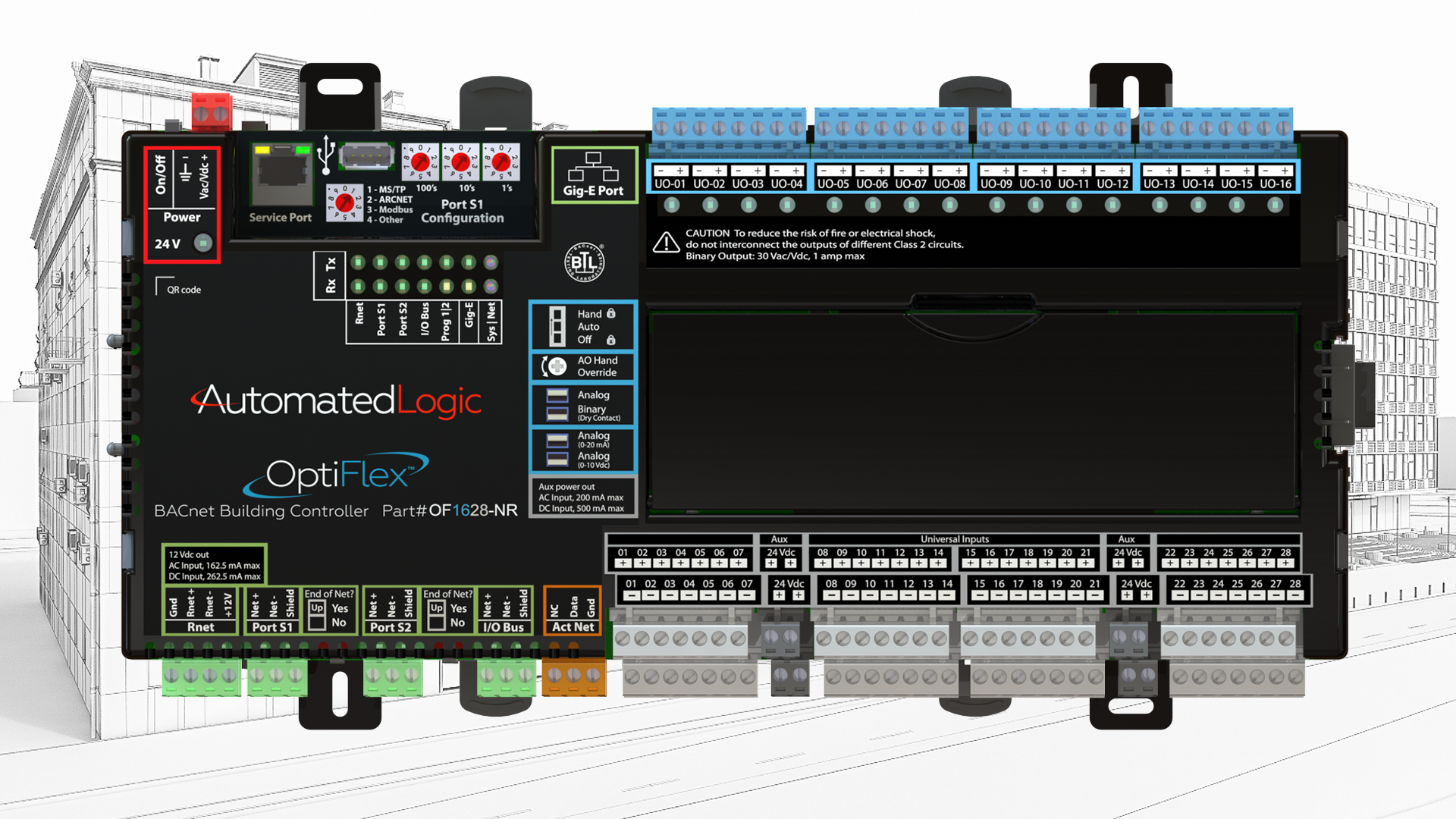
The OptiFlex™ I/O Expander OFX48 extends the input and output capacity of OptiFlex™ controllers, providing a flexible and space‑efficient solution for expanding control functionality while maintaining seamless integration with the WebCTRL® building automation system.
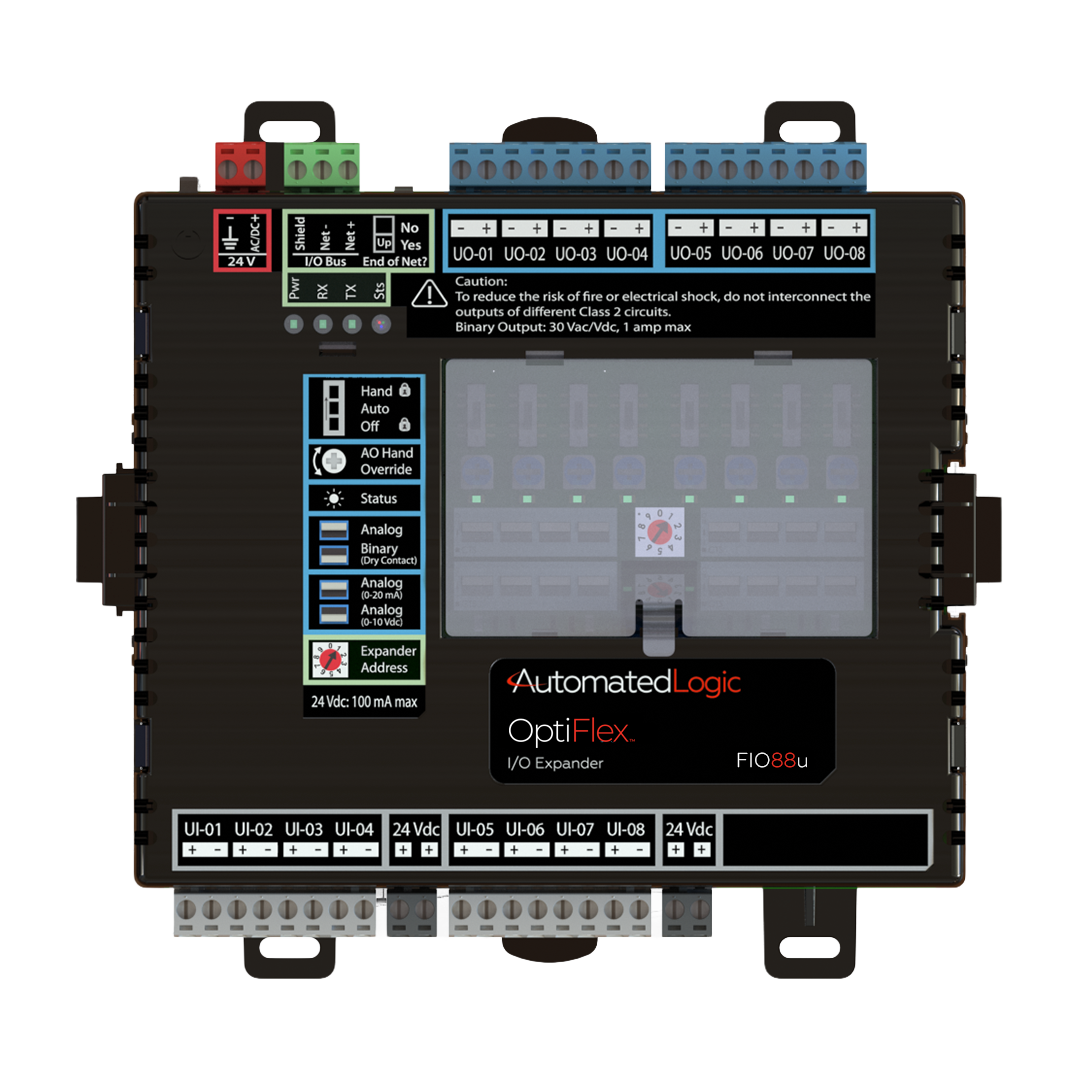
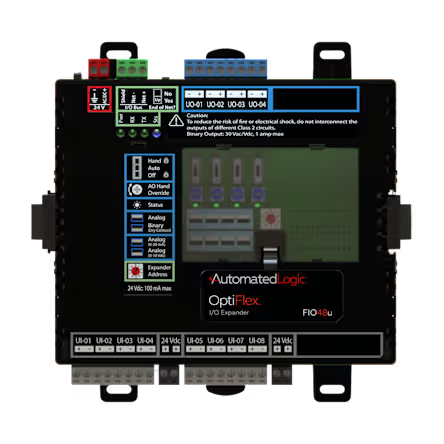
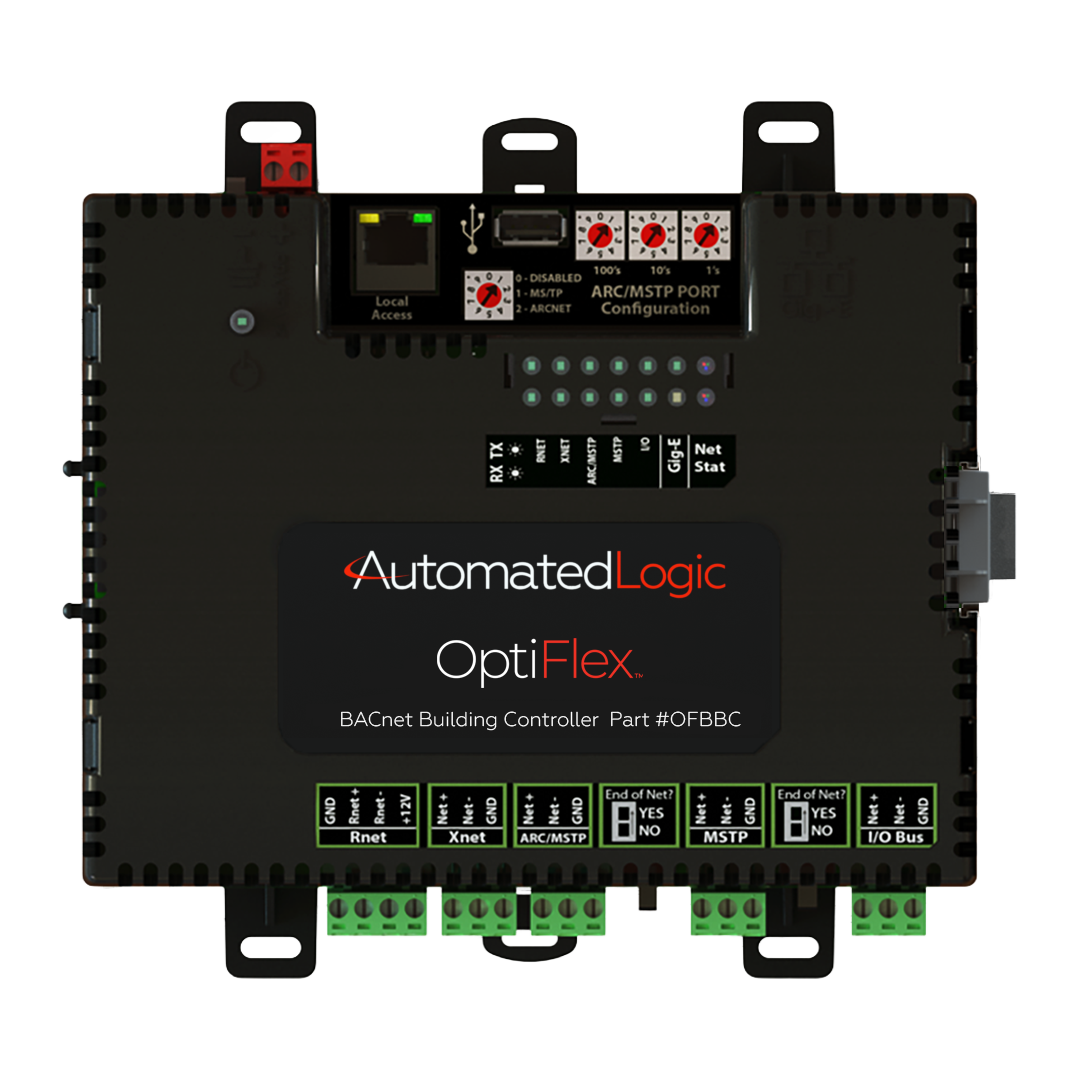
The Automated Logic OptiFlex™ FIO012u is an expansion module designed to increase the input and output capacity of OptiFlex™ BACnet Building Controllers. It provides a flexible and scalable method for extending controller functionality, allowing building automation systems to support additional field devices and HVAC applications. The FIO012u can be installed directly on a controller or […]
The Automated Logic OptiFlex™ FIO812u is an I/O expansion module designed to increase the input and output capacity of OptiFlex™ BACnet Building Controllers. Engineered for maximum flexibility, the FIO812u can be mixed and matched with other OptiFlex I/O expanders to meet specific HVAC and building automation requirements. It supports both local and remote installation, making […]
Our experts can help you choose the right commercial, residential, or light commercial HVAC solution from Carrier, Toshiba, and Viessmann.
ahi@ahi-carrier.com
+971 650 45700
Sharjah Research Technology and Innovation Park First Floor, Wing B – Sharjah United Arab Emirates
Fields marked * are required. We respond within one business day.