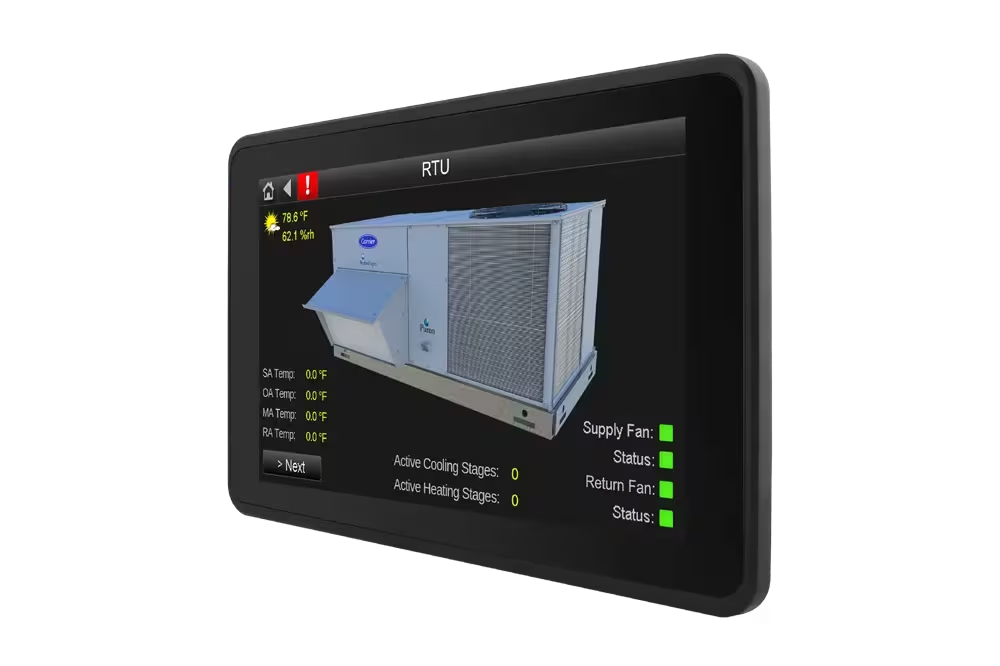


TruVu™ 5” Equipment Touch

BMS & Control Carrier i-Vu Building Automation
TruVu™ 5” Equipment Touch
Display

TruVu™ 5” Equipment Touch

Clear, local control right at the equipment
The TruVu™ 5” Equipment Touch (EQT1‑5) provides intuitive, secure, on‑site interaction with BACnet HVAC equipment—giving operators and technicians instant visibility and control where it matters most.
TruVu™ 5” Equipment Touch

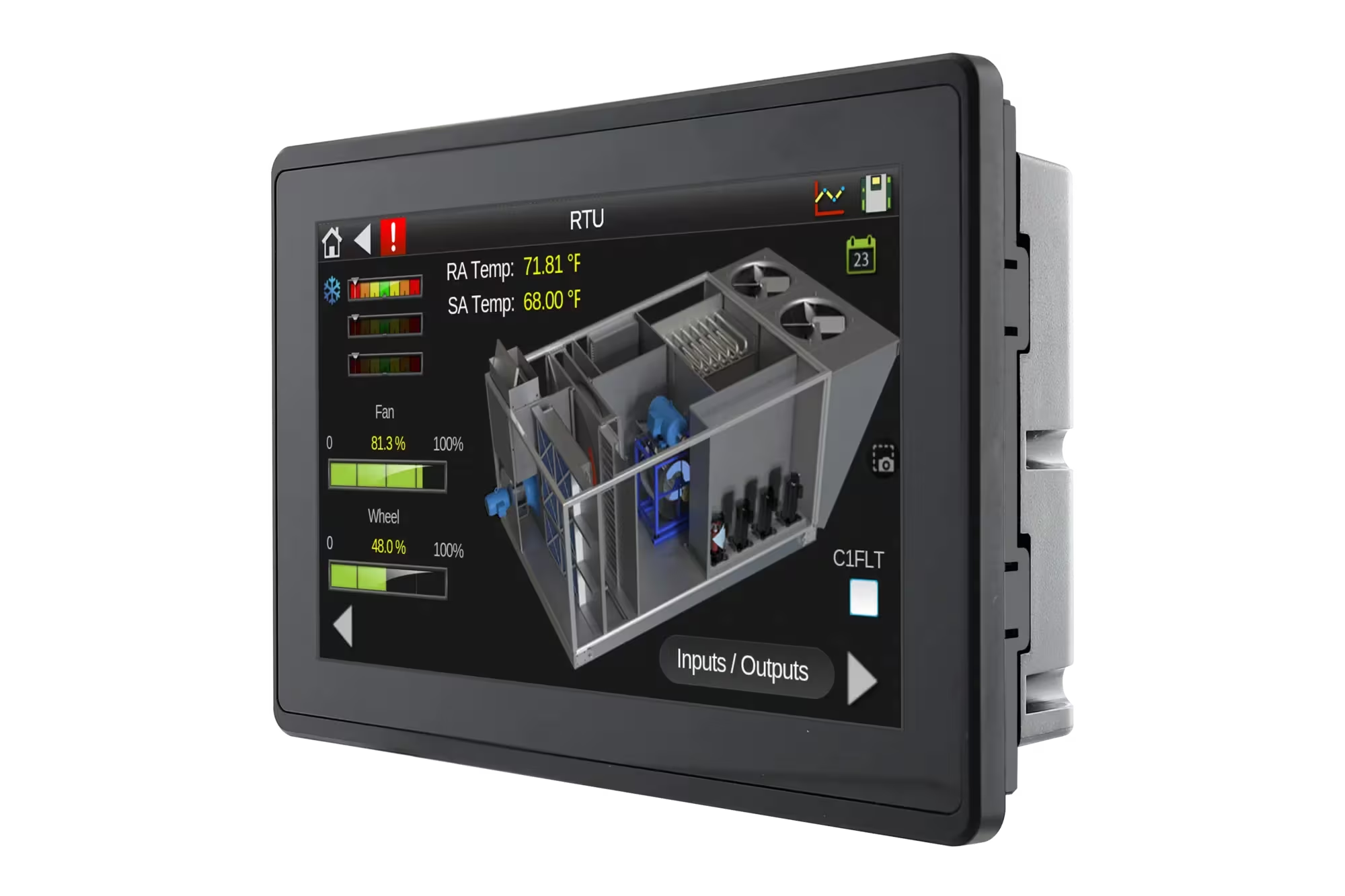
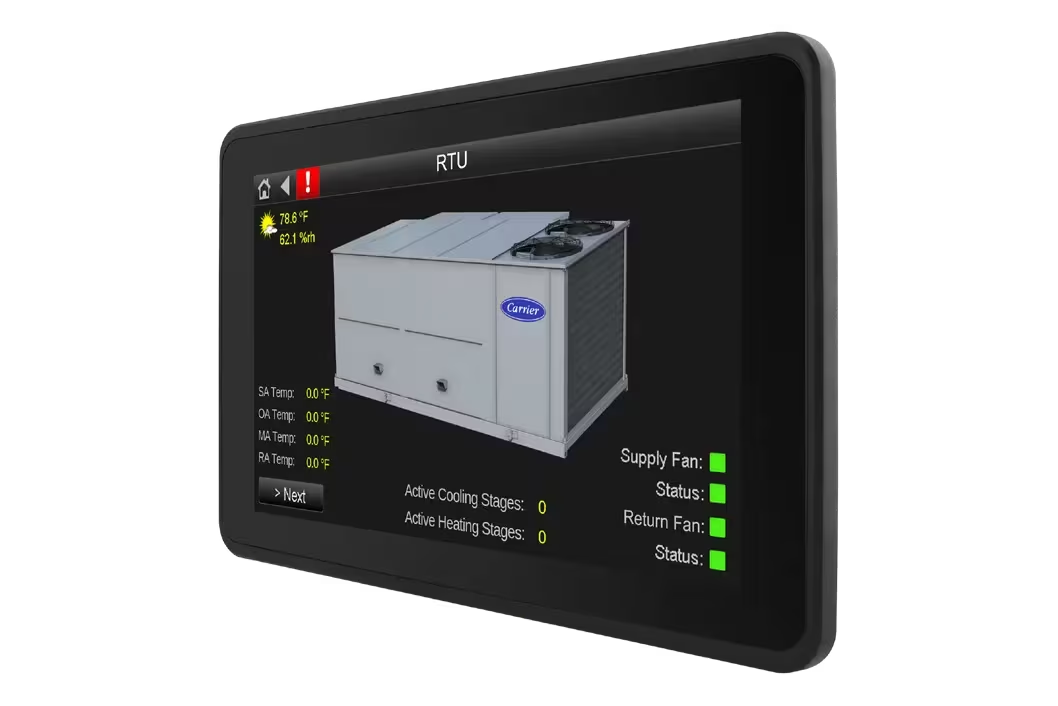
The EQT1‑5 is a wall‑mounted touchscreen operator interface designed for direct, local control of a single BACnet HVAC device. Featuring a high‑resolution, full‑color touchscreen, it allows users to view equipment status, adjust setpoints, manage schedules, and acknowledge alarms directly at the unit—without needing access to a central workstation.

Built for both operators and technicians, the EQT1‑5 combines ease of use with deeper access to controller data, making it ideal for mechanical rooms, plant areas, and equipment spaces where fast, reliable interaction is required.

TruVu™ 5” Equipment Touch

Full‑Color 5” Touchscreen Display

Provides a clear, responsive interface for viewing equipment status, alarms, schedules, and setpoints.

Direct Local Equipment Control

Enables immediate interaction with a connected BACnet HVAC device, reducing response time during operation or service.

Designed for Operators & Technicians

Supports both day‑to‑day operation and deeper technical access to controller data points and BACnet schedules.

Secure Multi‑Level Access

Password‑protected user levels ensure only authorized personnel can make configuration changes.

Local BACnet Device Interface

Designed for one‑to‑one interaction with BACnet HVAC equipment.

Complement to Central BMS

Can be used alongside central systems (such as i‑Vu® platforms) for local override and diagnostics.

Simplified Maintenance Workflows

Technicians can review data, adjust parameters, and verify operation without external tools.

Ideal for Distributed Systems

Well suited for sites where local equipment access is preferred or required.

Document Name Description Document Type Language Action
Installation Instructions Equipment Touch (EQT1-5) Installation and Setup Guide PDF English Download
Product Data Sheet i-Vu® Equipment Touch 1-5 Product Data Sheet PDF English Download
What is the EQT1‑5 used for?

Local, wall‑mounted control and monitoring of a single BACnet HVAC device.

Does the EQT1‑5 replace a central BMS?

No. It complements a BMS by providing direct, on‑site equipment access.

Is access to settings protected?

Yes. Multi‑level password protection restricts unauthorized changes.

s the EQT1‑5 suitable for mechanical rooms?

Yes. Its rugged, fanless design supports operation in demanding environments.

Similar Products

How Can We Help?

Have a question that doesn’t fit a specific category? Reach out to our team here for all other support
and information

    Become a Dealer

    Get directed to our Business Development team to start the authorization process and discuss sales support.

    Technical Assistance

    Get specialized help with system sizing, load
    calculation analysis, and technical data required for project design.

    Aftermarket Service

    Request support for warranty claims,
    scheduled maintenance, and genuine spare
    parts ordering.

    For more information : ahi@ahi-carrier.com