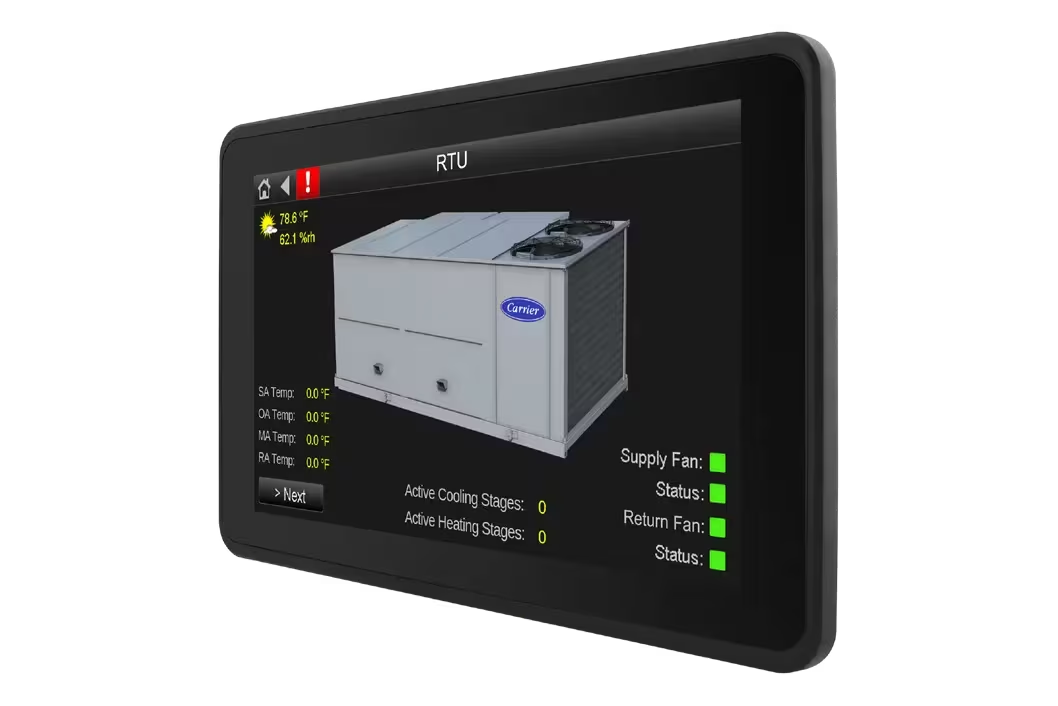


TruVu™ 5"" System Touch

BMS & Control Carrier i-Vu Building Automation
TruVu™ 5″” System Touch
Display

TruVu™ 5″” System Touch

Hero Section Description

Clear, intuitive system control at the point of use
The TruVu™ 5″ System Touch (SYST1‑5) provides secure, on‑site access to HVAC systems within the i‑Vu® Building Automation System—delivering real‑time visibility, fast interaction, and reliable control through a compact touchscreen interface.
TruVu™ 5"" System Touch

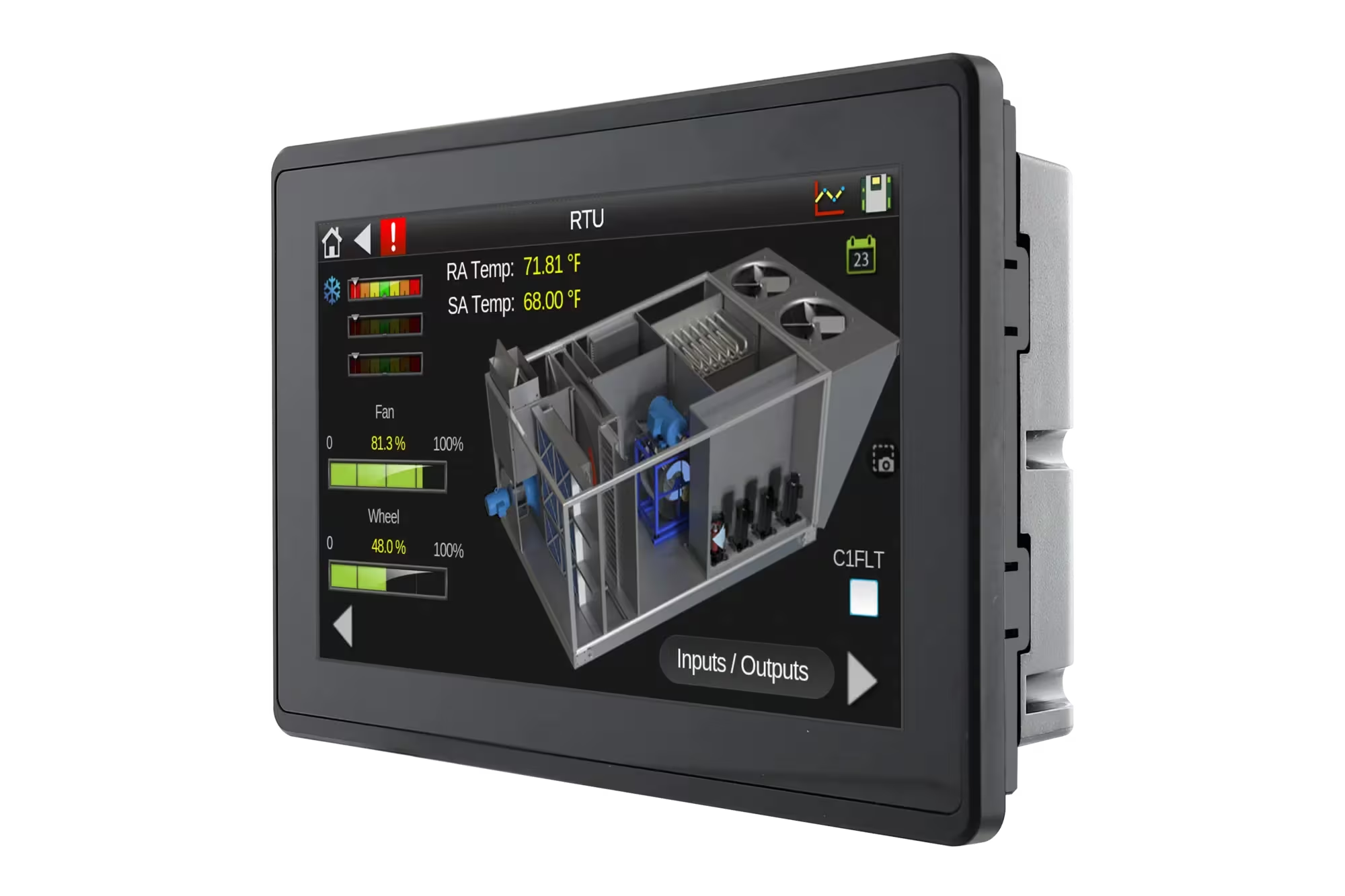
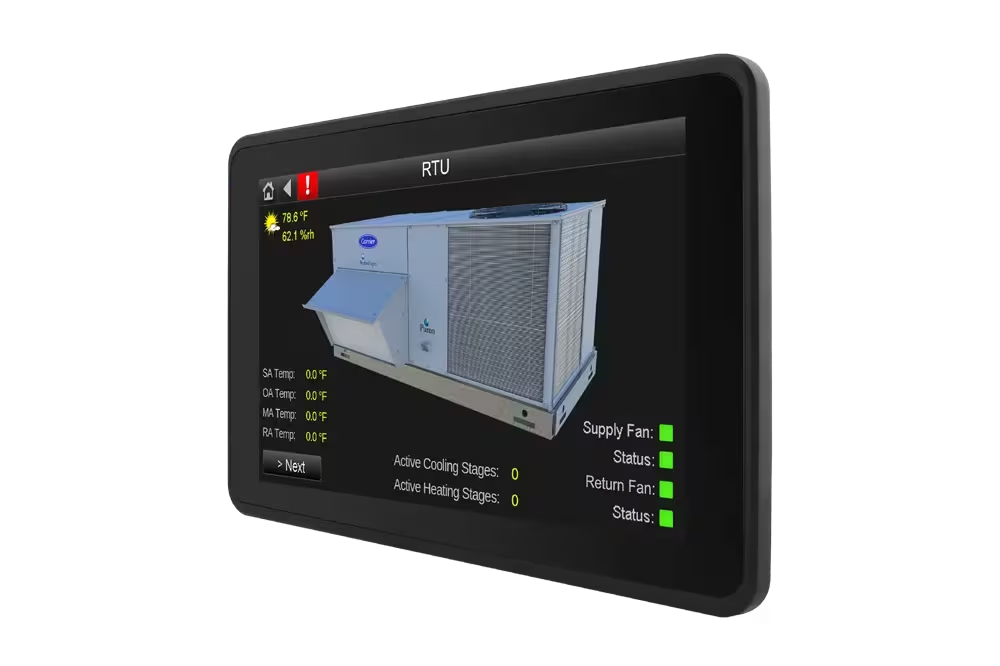
The TruVu™ System Touch SYST1‑5 is a wall‑mounted operator interface designed specifically for use with the i‑Vu® Building Automation System. Featuring an illuminated 5‑inch full‑color touchscreen, it connects directly to a network of BACnet MS/TP controllers, allowing users to monitor and control HVAC systems locally.

The SYST1‑5 enables operators and technicians to view system data, adjust setpoints, manage schedules, and respond to alarms directly at the wall—without relying on a central workstation—making it ideal for commercial buildings and distributed HVAC systems.

TruVu™ 5″” System Touch

5″ Full‑Color Touchscreen Display

High‑resolution, illuminated display provides clear visibility of system status, alarms, and operating parameters.

Direct On‑Site System Interaction

Allows users to monitor HVAC performance and make adjustments directly at the point of use.

Seamless i‑Vu® System Integration

Operates as an integrated component of the i‑Vu Building Automation System.

Direct BACnet MS/TP Connectivity

Connects directly to BACnet controllers for real‑time access to system data.

Local Interface for i‑Vu BAS

Provides local interaction with HVAC systems managed by the i‑Vu platform.

BACnet‑Based System Access

Enables viewing and adjustment of:

Setpoints
Schedules
Alarms
Controller data points

Complementary to Central BMS

Enhances central building management by providing localised system access.

Secure System Operation

Role‑based access ensures operational integrity and controlled configuration changes.

Document Name Description Document Type Language Action
Installation Instructions TruVu™ 5″ System Touch PDF English Download
Product Data Sheet TruVu™ 5″ System Touch PDF English Download
How does the SYST1‑5 connect to the building automation system?

The SYST1‑5 connects directly to a network of BACnet MS/TP controllers, enabling real‑time communication with HVAC equipment. This direct connection ensures fast response times and reliable access to system data.

Does the SYST1‑5 replace a central BMS workstation?

No. The SYST1‑5 is designed to complement a central BMS such as i‑Vu®, not replace it. While a central workstation provides system‑wide oversight, the SYST1‑5 offers convenient, localized control at the point of use.

What type of information can users view on the touchscreen?

Users can view HVAC system status, operating modes, alarms, schedules, trends, and key controller data points. This visibility helps operators quickly understand system conditions and take appropriate action.

Can operators adjust setpoints and schedules locally?

Yes. Authorized users can adjust temperature setpoints, modify schedules, and acknowledge alarms directly from the touchscreen, making on‑site adjustments fast and efficient.

Similar Products

How Can We Help?

Have a question that doesn’t fit a specific category? Reach out to our team here for all other support
and information

    Become a Dealer

    Get directed to our Business Development team to start the authorization process and discuss sales support.

    Technical Assistance

    Get specialized help with system sizing, load
    calculation analysis, and technical data required for project design.

    Aftermarket Service

    Request support for warranty claims,
    scheduled maintenance, and genuine spare
    parts ordering.

    For more information : ahi@ahi-carrier.com