
 Australia
 New Zealand
 Greece



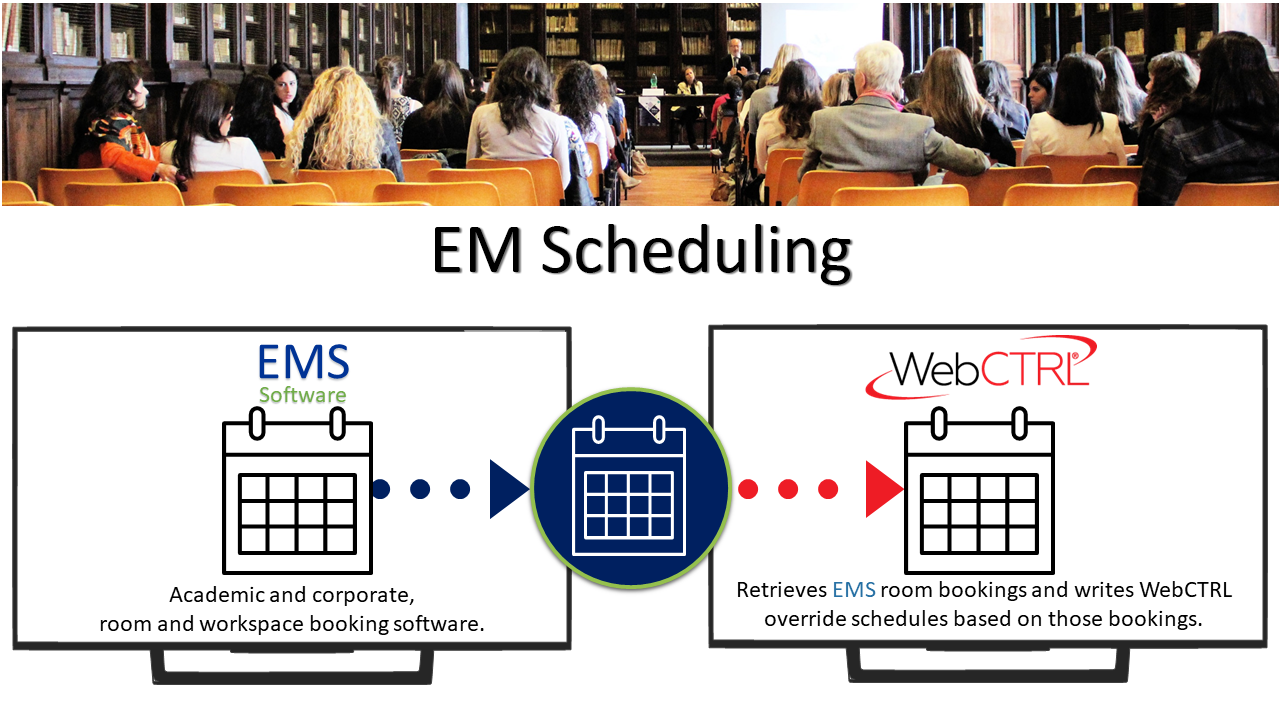
Microsoft Outlook‑based scheduling for smarter building operation
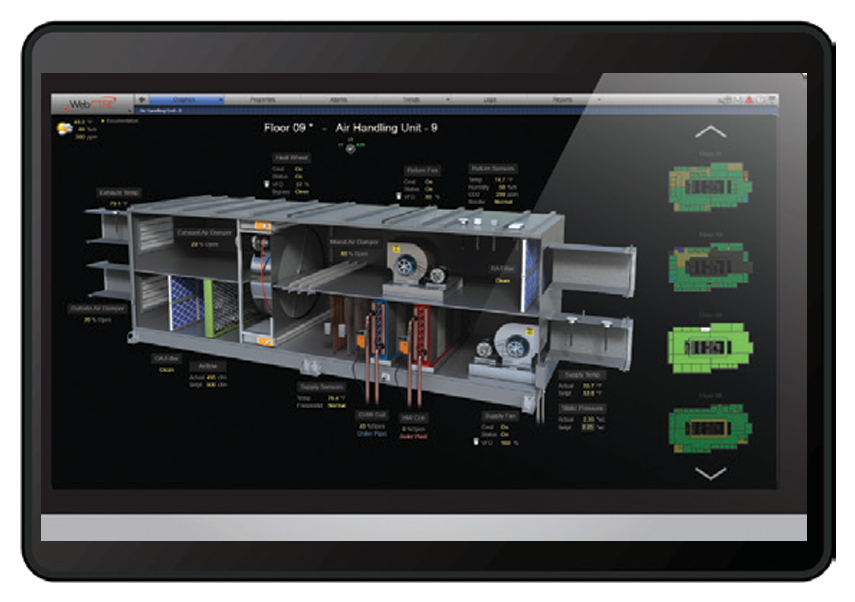
MS Scheduling allows WebCTRL® users to manage HVAC and lighting schedules directly through Microsoft Outlook, improving occupant comfort while reducing energy consumption through intelligent occupied and unoccupied control.
| Document Name | Description | Document Type | Language | Action |
|---|---|---|---|---|
| Spec Sheet | MS Scheduling Spec Sheet | English | Download |


Our experts can help you choose the right commercial, residential, or light commercial HVAC solution from Carrier, Toshiba, and Viessmann.
ahi@ahi-carrier.com
+971 650 45700
Sharjah Research Technology and Innovation Park First Floor, Wing B – Sharjah United Arab Emirates
Fields marked * are required. We respond within one business day.